


Inputs
Create anime art in seconds
Describe the character, the setting, and the mood in plain language, and Artly renders a finished anime illustration. No drawing skill and no photo upload required — start from text alone.
Text-to-image and image-to-image
Generate from a written prompt, or upload a reference image and describe the change to restyle it into anime. The same studio covers both flows so you can iterate without switching tools.
Steps
- Write your scene — describe the character, setting, and mood, or use the prompt helper.
- Pick an anime style and a generation model.
- Review the displayed credit cost, then generate and download privately.
Parameters and controls
Every anime style in one place
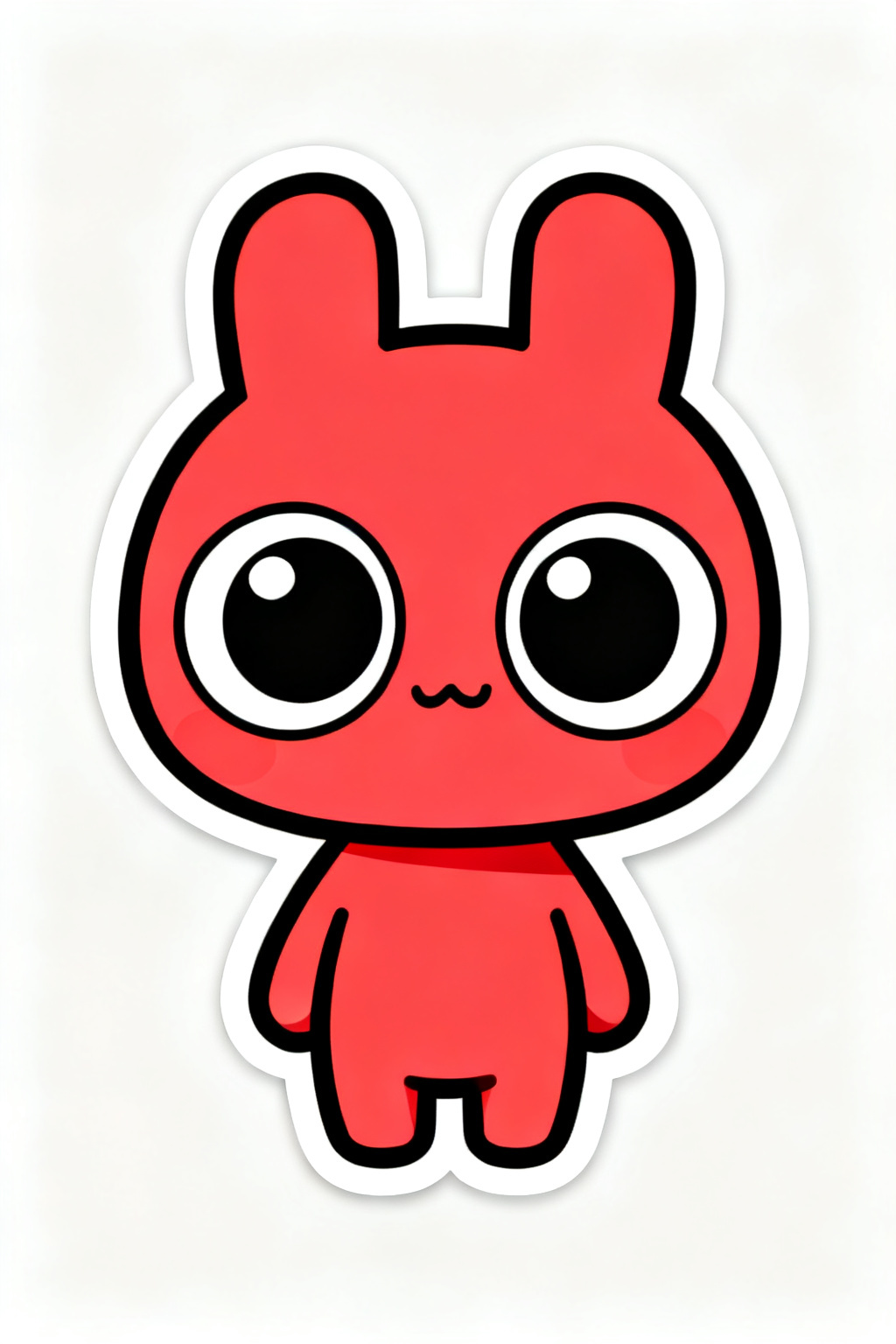
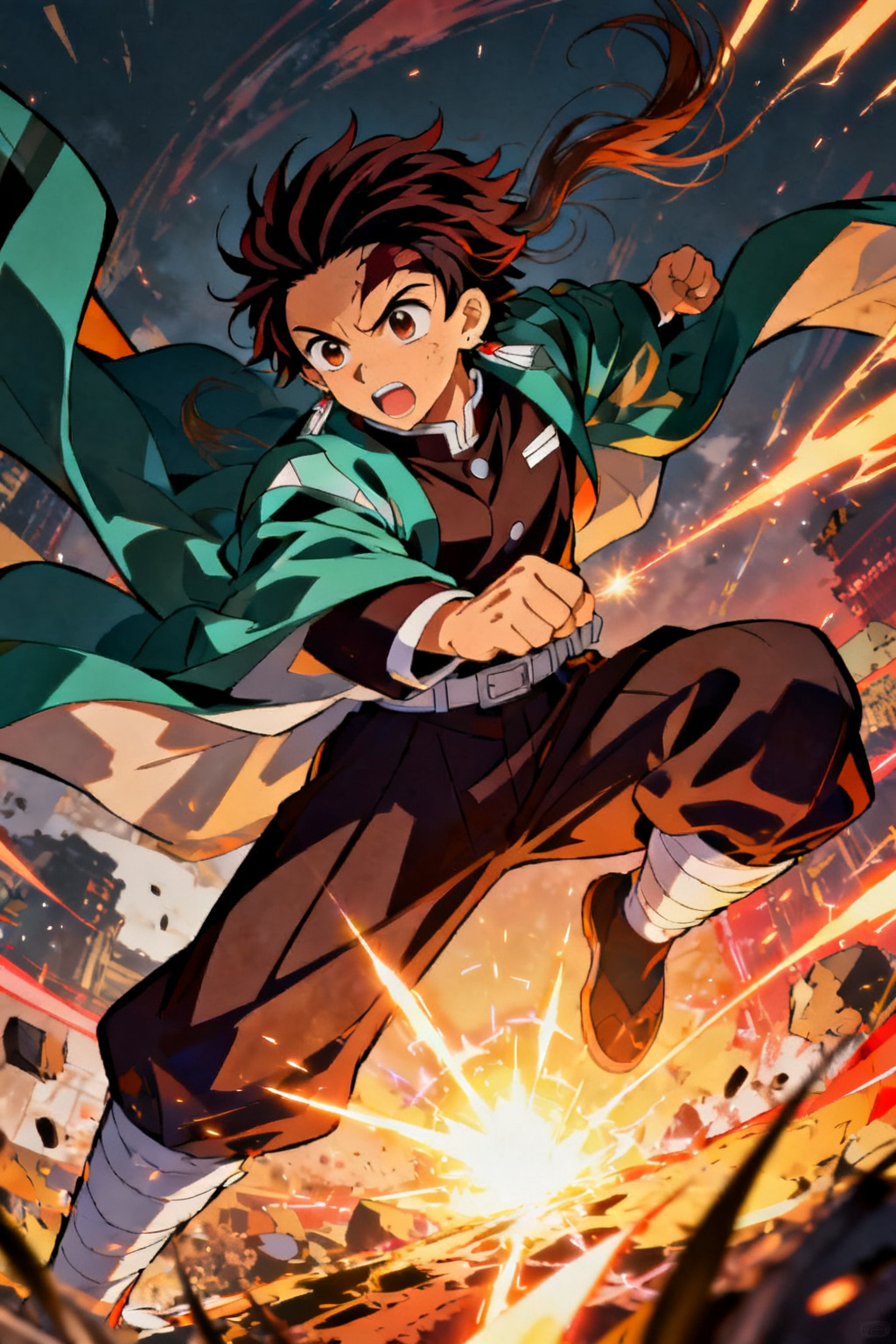
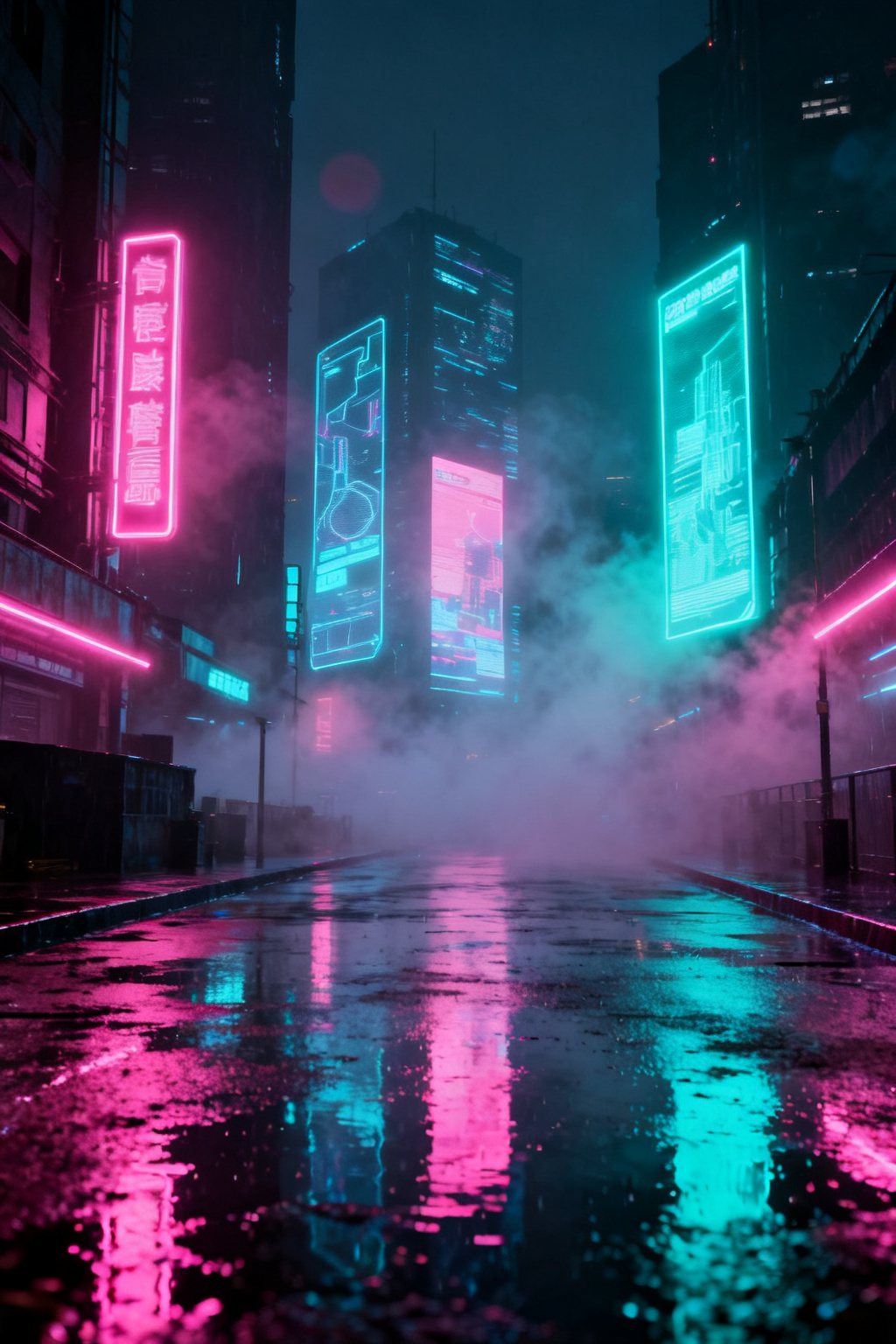
Shonen, shoujo, mecha, chibi, cel-shaded, watercolor and cyberpunk — switch styles with a single chip. Lock a look once and keep it consistent across a set of images.
Avatars, wallpapers, and creative assets
Make one-of-a-kind anime avatars for social profiles, high-resolution vertical wallpapers for your phone, and quick concept art for comics, fan projects, and game characters.
Failure modes and fixes
Where anime generation needs a second pass
The style lands almost immediately; the specifics are what cost credits. Character consistency is the main limitation — the same prompt will not reliably return the same face twice, so build a cast by keeping and reusing a seed rather than expecting a fresh generation to match. Write one acceptance test before you start, such as the pose and expression the panel needs, and compare a small batch against it instead of judging each image on its own. Stop at the first pass; if a run keeps missing the same way, choose a different sub-style rather than lengthening the prompt. Japanese or English lettering inside the frame stays unreliable, so add speech bubbles afterwards.