



Core capability
What OpenAI documents for the base model
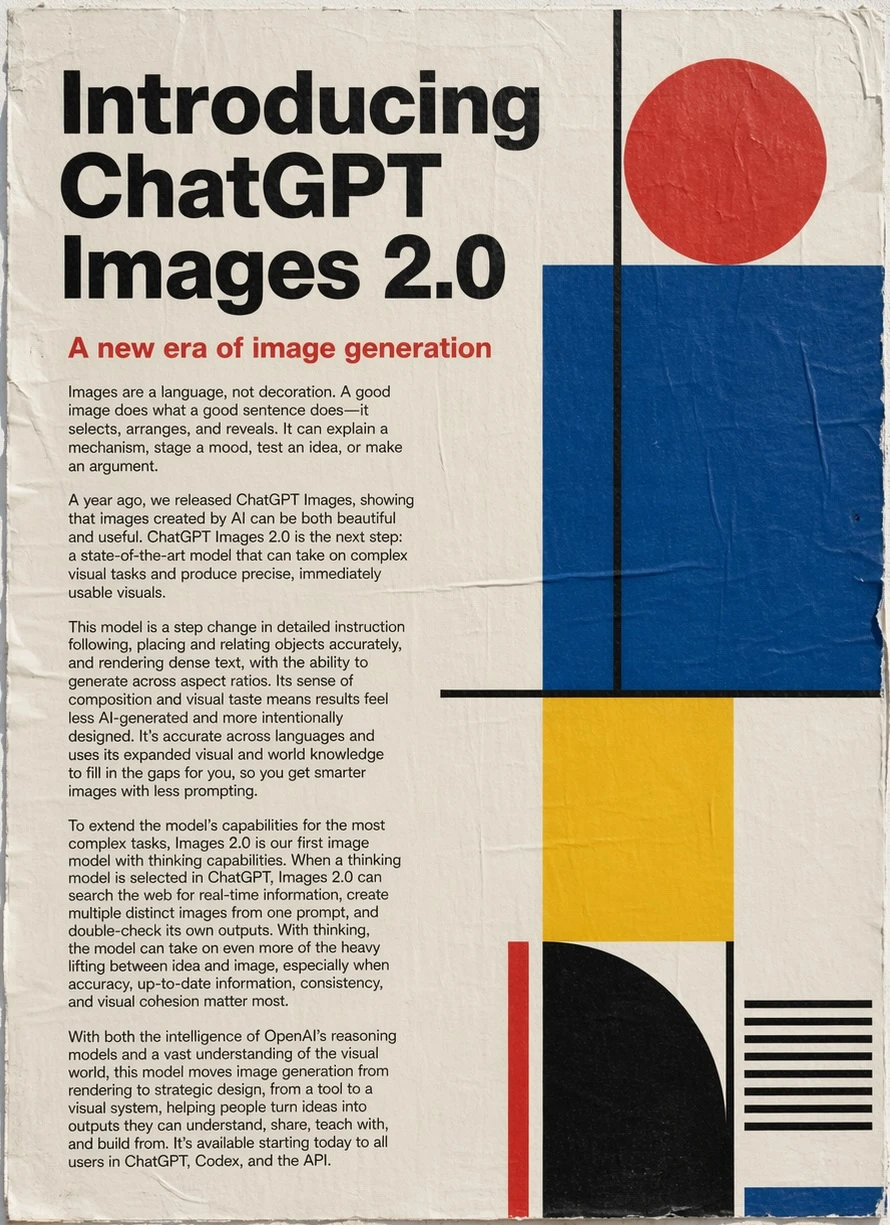
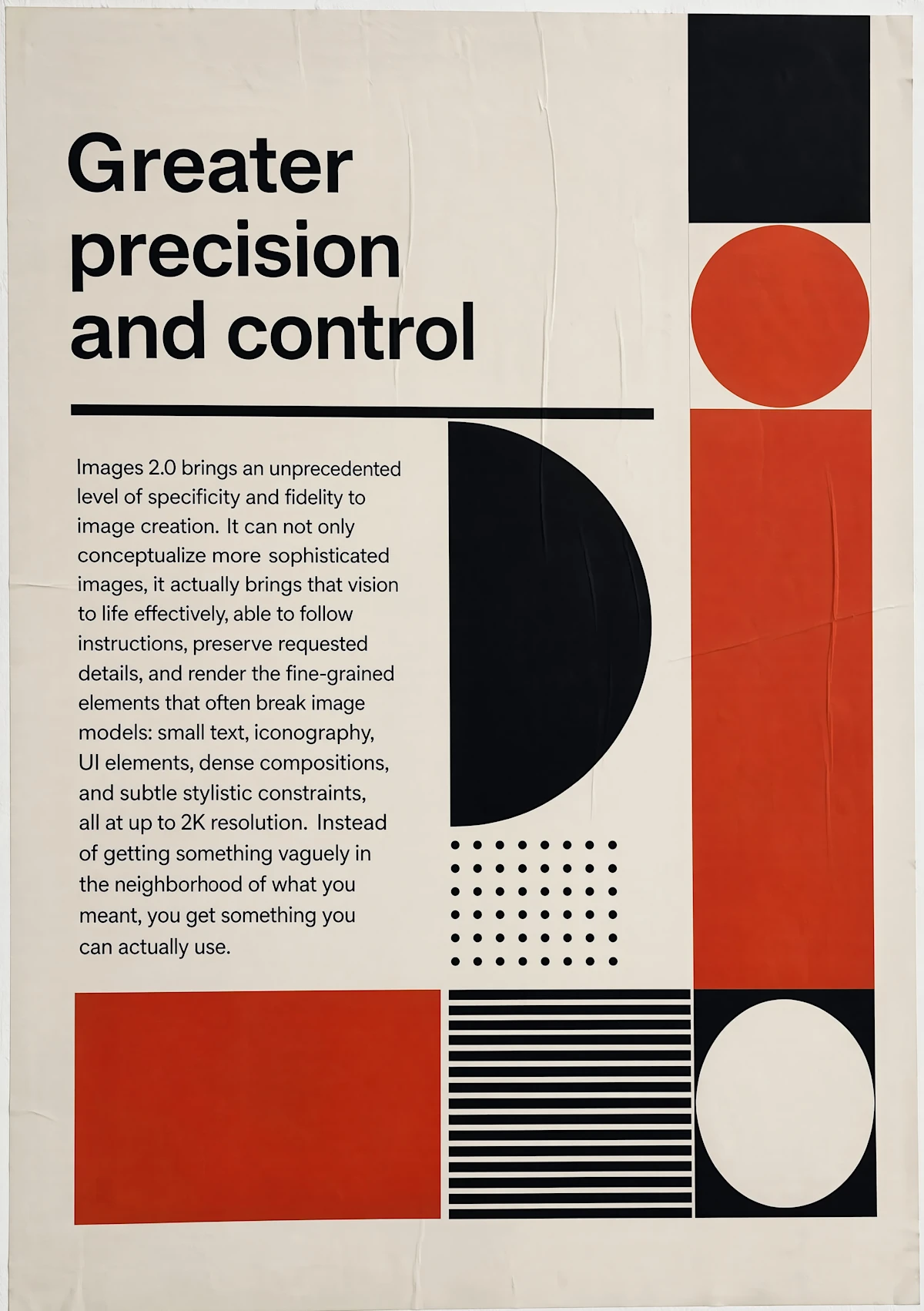
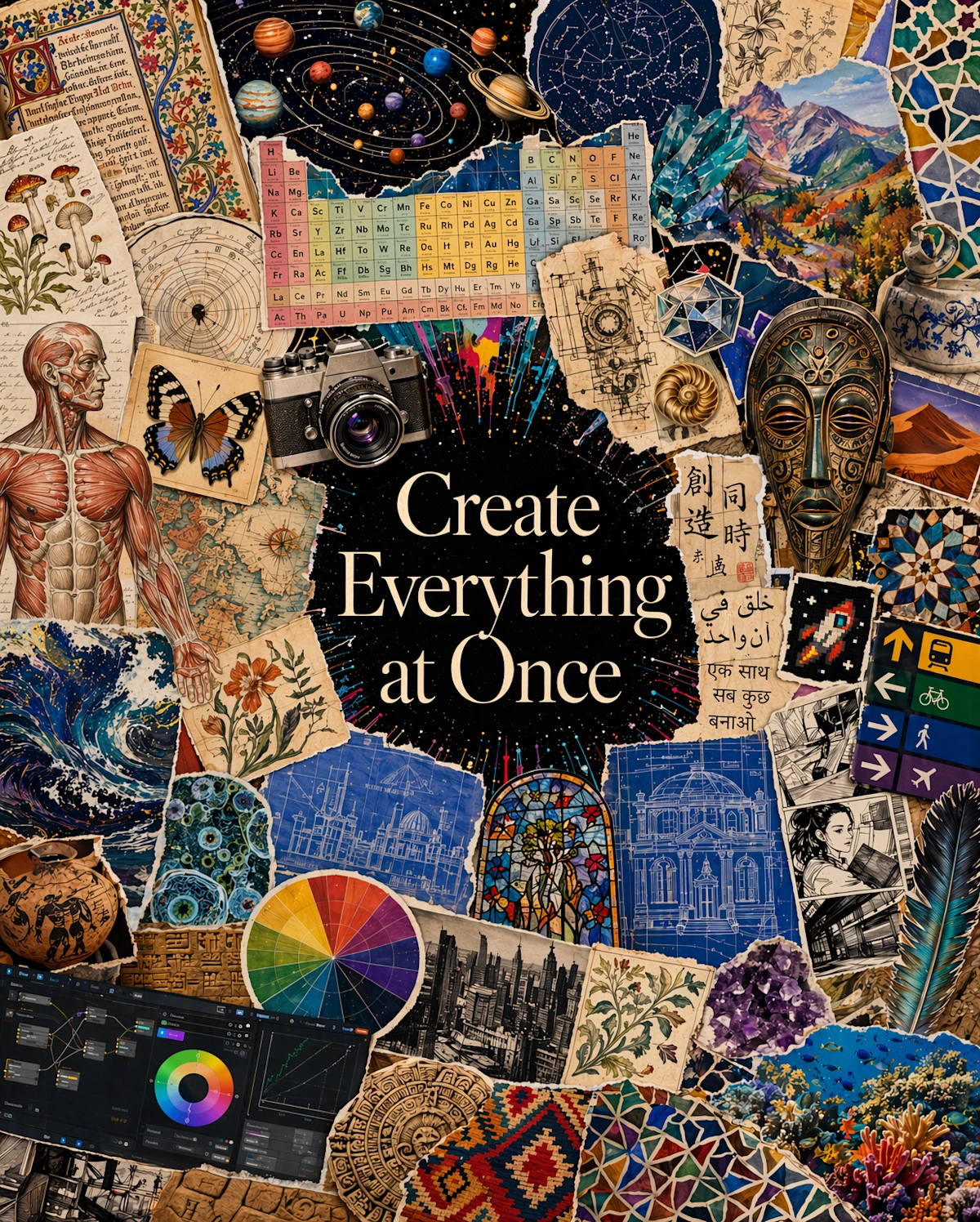
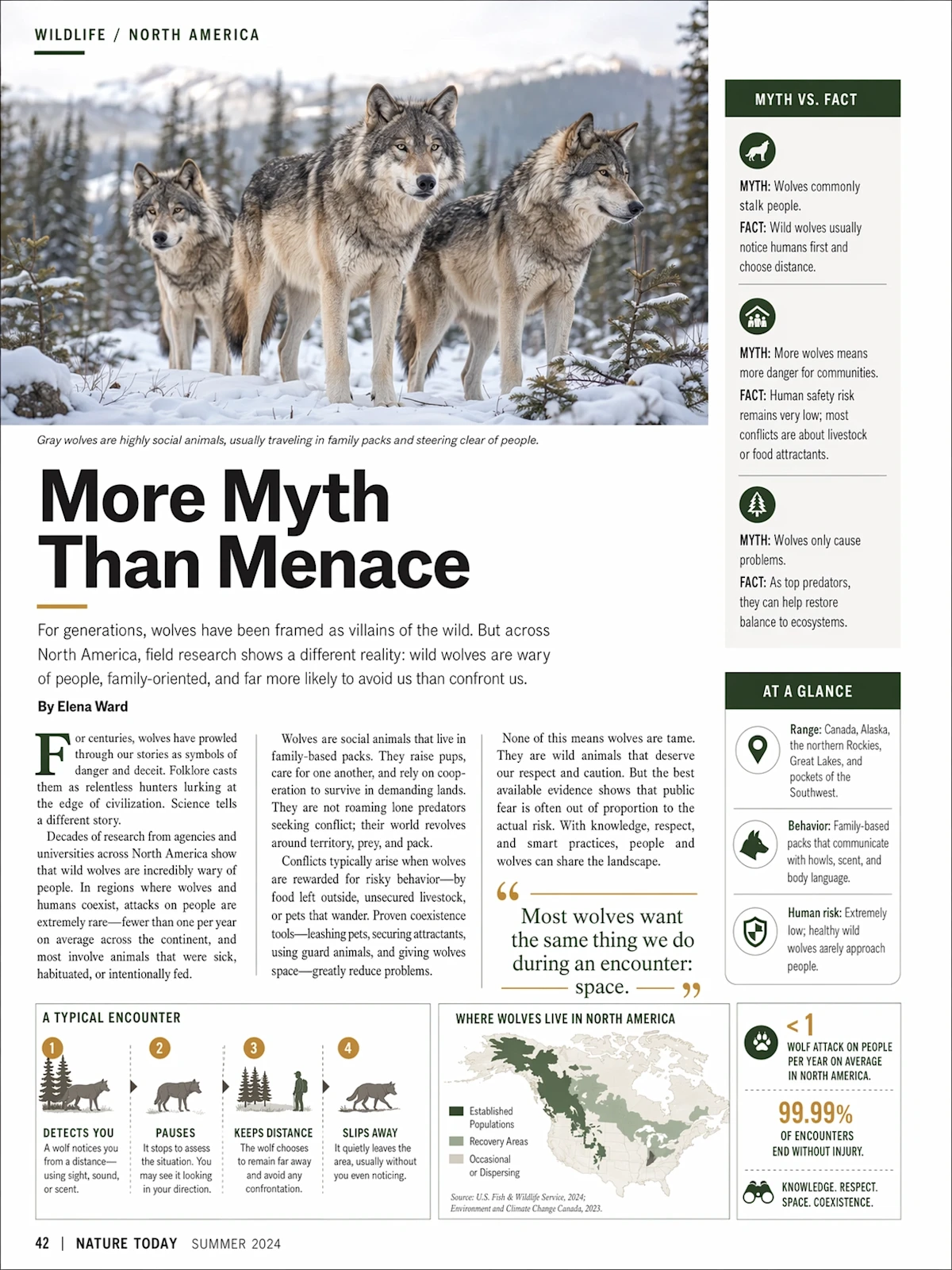
OpenAI’s official model documentation describes GPT Image 2 image generation and editing with text and image inputs. Its official launch examples are evidence about the upstream base model, not a promise about Makeartly’s delivered composite or the separate final Qwen refinement step.
Generation and editing use distinct live routes
Start without an upload to use the `mulerouter-gpt-image-2` generation route. Attach a permitted source image when you need the `mulerouter-gpt-image-2-edit` route. Studio resolves the route from the input state, so a generation request and an uploaded-image edit are not treated as the same endpoint.
How the uncensored composite route works
This is an Makeartly composite product, not a claim that OpenAI provides a setting that removes its own safeguards. Makeartly uses the selected GPT Image 2 base route, then applies the original creative instruction through a final uncensored Qwen refinement. Judge the delivered image as a combined workflow result.
Evidence
Adult access keeps exact product-policy boundaries
Makeartly does not add a separate mainstream adult-content refusal layer for verified adult creators; this deployment-level statement does not mean the upstream official model is uncensored or guarantee prompt acceptance. Adult workflows are for adults only. CSAM and all under-18 sexual content are prohibited. Consent and likeness authorization are required, and non-consensual intimate content, unauthorized real-person deepfakes, and sexual impersonation are prohibited.
Choose GPT Image 2 or Qwen Image 3.0 by workflow
Choose GPT Image 2 when you specifically want its base generation or editing route and can evaluate the final composite as a whole. Choose Qwen Image 3.0 when you want a direct Qwen Standard or Pro workflow with the size and edit controls currently exposed in Studio. Review the live quote for either path; this article fixes no permanent credit amount.
Use cases
- Open GPT Image 2 from this page.
- Write a prompt, or upload a permitted image to edit.
- Choose the available output settings and review the composite credit quote.
- Generate; the base and uncensored Qwen refinement steps run automatically.