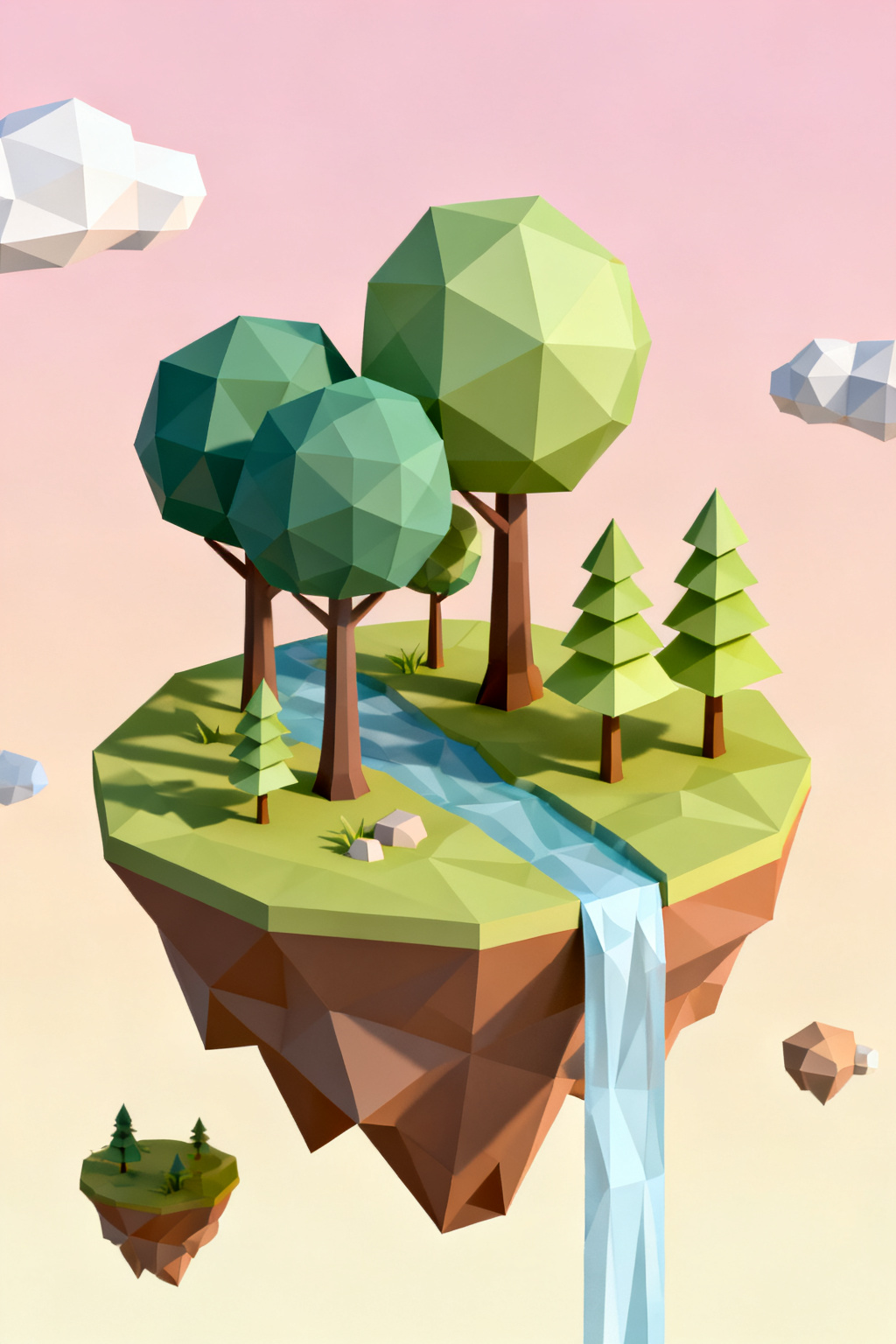

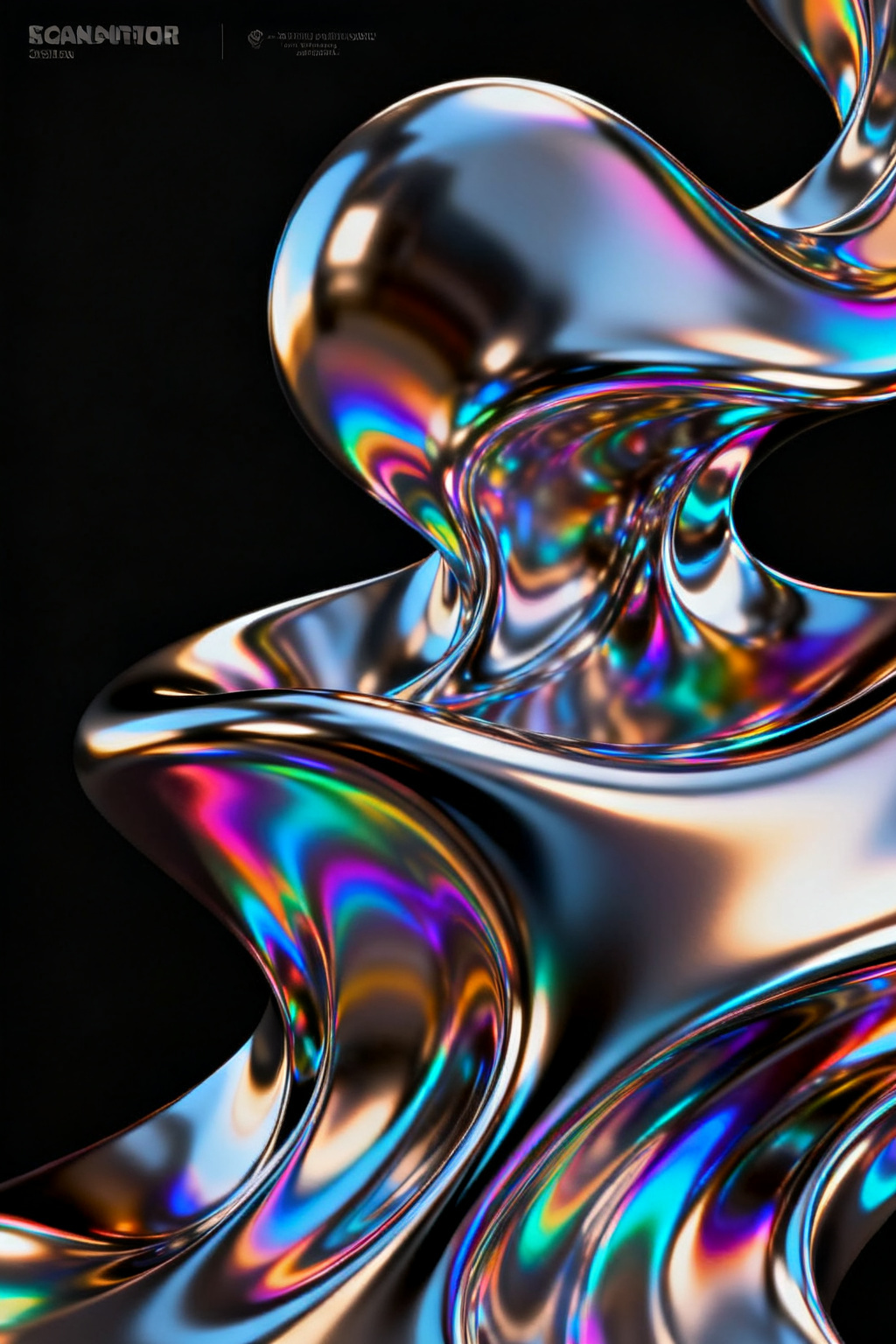


Inputs
Create a sticker in seconds
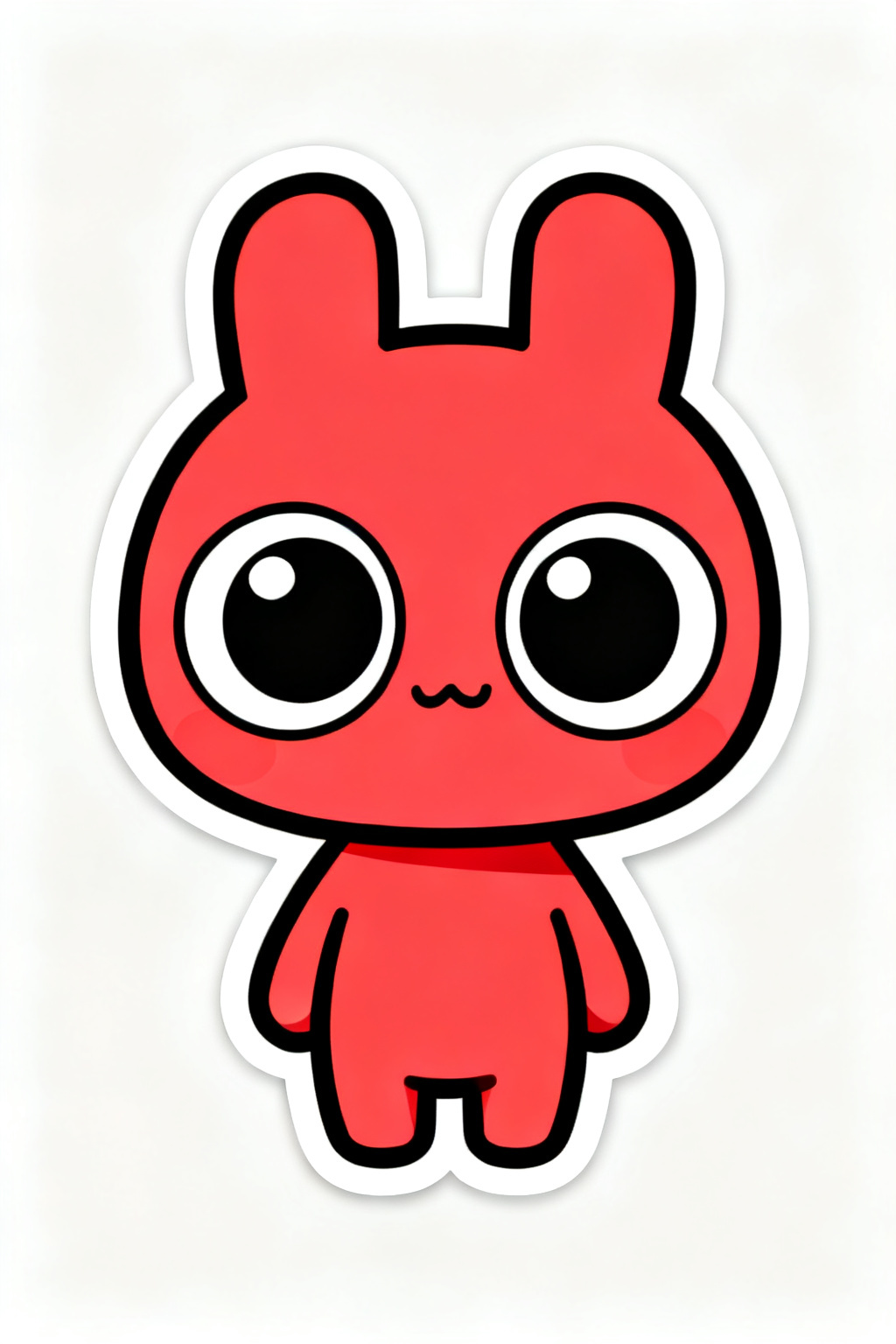
Describe what you want in plain language, and Artly renders die-cut-style stickers with clean edges. No design skill and no upload required — start from text alone.
Text-to-image and image-to-image
Generate from a written prompt, or upload a reference and describe the change to restyle it. The same studio covers both flows so you can iterate quickly.
Steps
- Write your idea — describe the subject, style, and mood, or use the prompt helper.
- Pick a sticker style and a sticker-style model.
- Review the displayed credit cost, then generate and download privately.
Parameters and controls
Every sticker style in one place
Switch between kawaii, cartoon, meme, holographic and minimal with a single chip, and keep a look consistent across a whole set.
Great for chat sticker packs, shop merch and laptop stickers
Use the Sticker generator for chat sticker packs, shop merch and laptop stickers, then download in high resolution — your results stay private to your account.
Failure modes and fixes
Where the sticker generator needs a second pass
Prompt-only generation gets the composition right long before it gets the details right, so decide what "good" means before you spend credits: write one acceptance test — the thing this sticker must show to work for chat sticker packs, shop merch and laptop stickers — and judge against that, not against your previous attempt. Generate a small batch and compare them side by side instead of regenerating one at a time. Stop once a result passes; if three rounds miss the same way, choose a different style from kawaii, cartoon, meme, holographic and minimal. Legible words inside the image are the usual failure — generate the artwork here and set the type yourself.