


Inputs
Create a video in seconds
Describe the scene and the action in plain language, and Artly renders short, shareable AI video clips. No camera, footage, or editing timeline — start from text alone.
Text-to-video and image-to-video
Generate a clip from a written prompt, or upload a still image and let Artly animate it. The same studio covers both flows.
Steps
- Write your scene — describe the subject, action, and mood, or use the prompt helper.
- Pick a video style and a video model.
- Review the displayed credit cost, then generate and download the video.
Parameters and controls
Every video style in one place
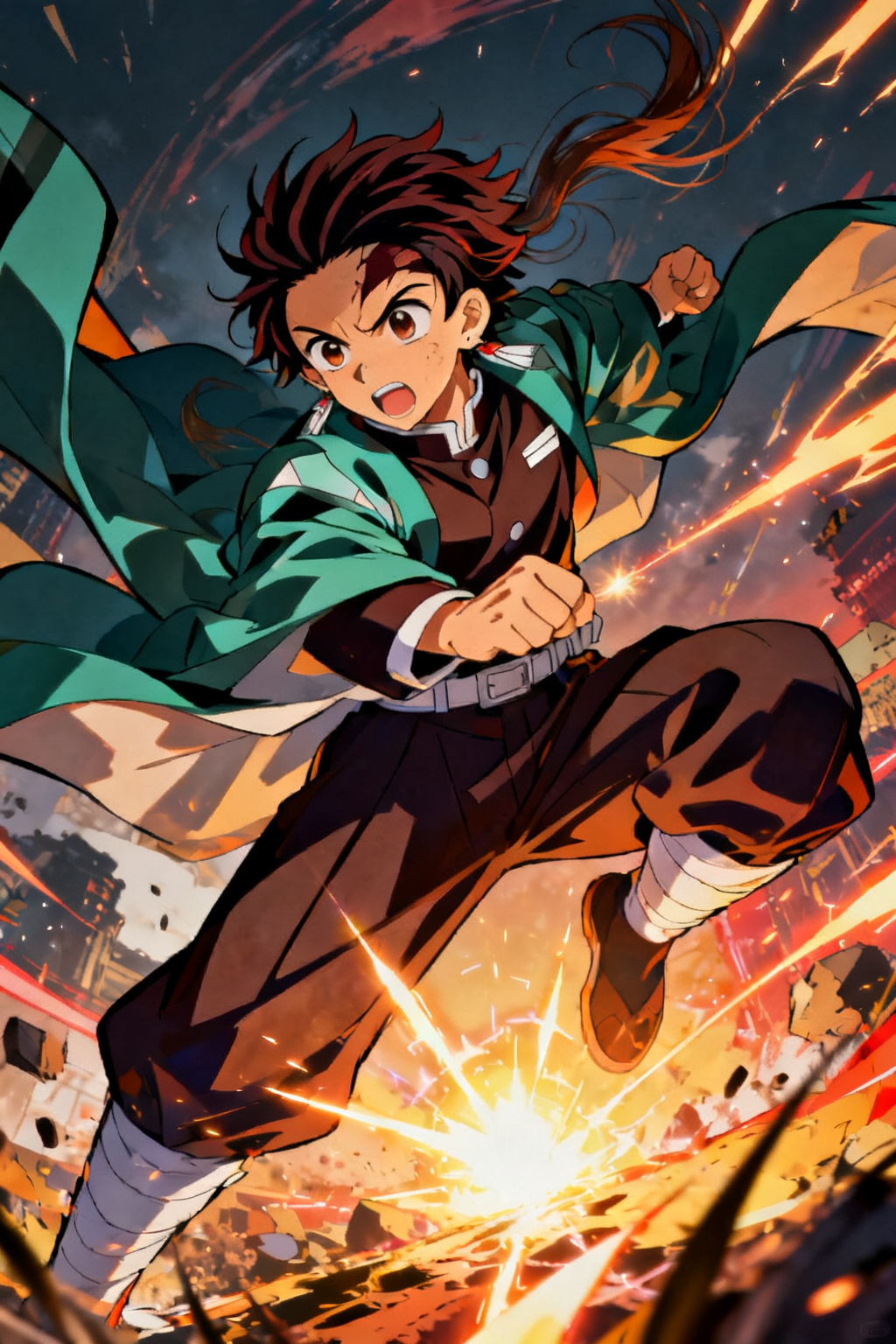
Switch between cinematic, anime, cartoon, realistic and motion graphics, and keep a consistent look across a set of clips.
Great for social clips, ads and promos and story scenes
Use the Video generator for social clips, ads and promos and story scenes, then download the video for social, ads, or your project — results stay private to your account.
Failure modes and fixes
What to expect from a generated video
Text-to-video is the least predictable thing these models do: a prompt for short, shareable AI video clips often needs several attempts before the motion reads correctly, and long or multi-step actions drift far more than short ones. Write one acceptance test first — the single beat this video has to land — then compare two or three short generations against it. Stop at the first clean pass; if none land, choose a simpler action or a different style from cinematic, anime, cartoon, realistic and motion graphics. Legible on-screen text stays unreliable, so add titles for social clips, ads and promos and story scenes afterwards rather than prompting for them.