


Inputs
Studio-quality cosmetics photo without a studio
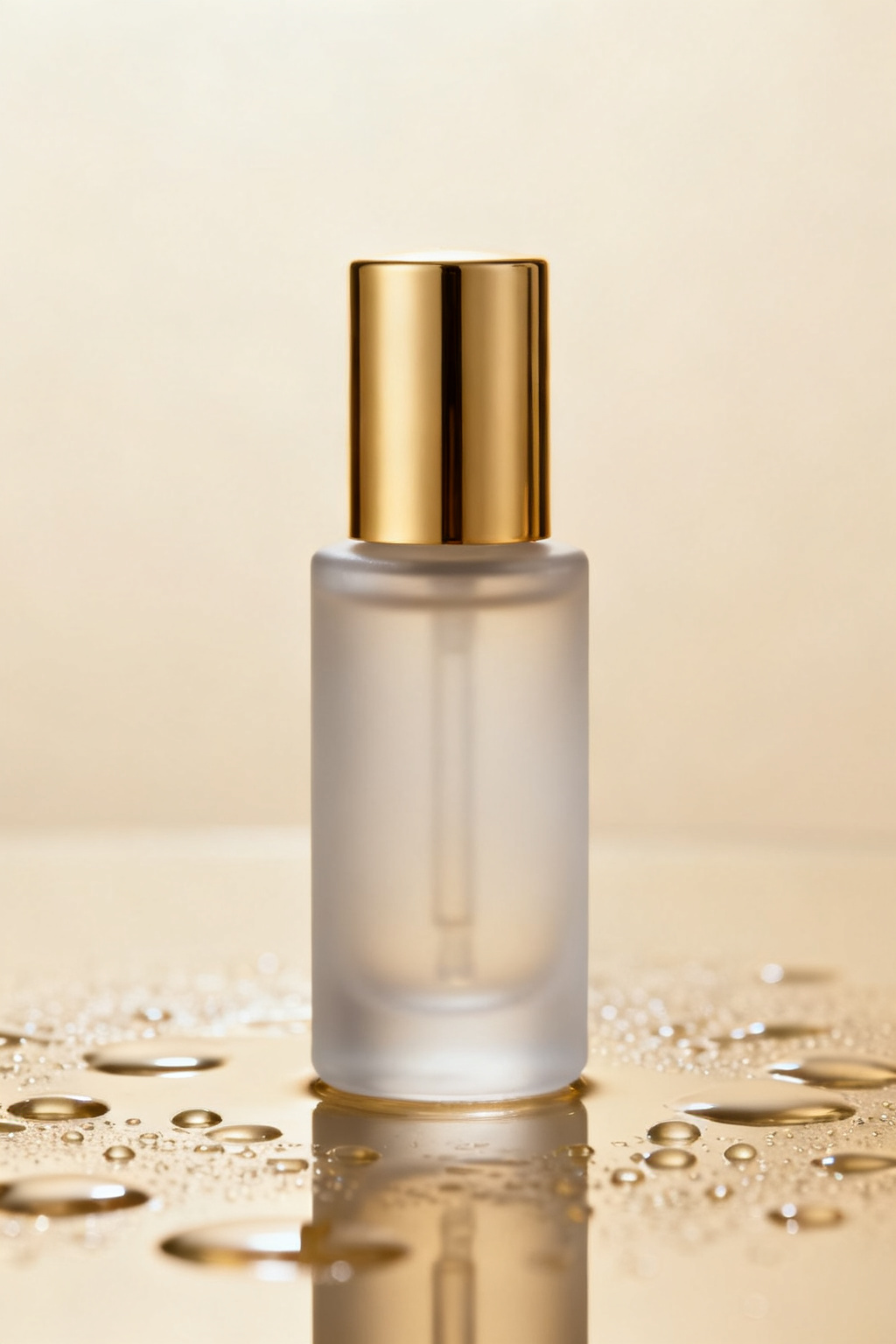
Skip the shoot. Upload a product photo and Artly generates premium beauty-product shots you can use right away — consistent lighting, clean framing, and a polished finish.
Upload once, get many looks
One upload produces a whole set of variations, so you can pick the best cosmetics photo for each place you need it. Your uploads and results stay private to your account.
Steps
- Upload a product photo — clear, well-lit shots work best.
- Pick a cosmetics photo style and a product-photography model.
- Review the displayed credit cost, then generate and download privately.
Parameters and controls
Every cosmetics photo style in one place
Choose from minimal studio, lifestyle, water splash and flat-lay. Match the look to the context — profile, résumé, storefront, or campaign — without starting over each time.
Great for beauty listings, campaign visuals and social ads
Use the Cosmetics Photo generator for beauty listings, campaign visuals and social ads, then download in high resolution for web, print, or social.
Failure modes and fixes
What the cosmetics photo generator will not do
It works from a product photo, so it cannot invent a likeness it has never seen — every cosmetics photo follows the faces and framing you upload. Before spending credits, write one acceptance test: the single thing this cosmetics photo must show to be usable for beauty listings, campaign visuals and social ads. Generate a set and compare the variations against that test rather than against each other. Stop at the first result that passes; if a whole set fails the same way, choose a different style from minimal studio, lifestyle, water splash and flat-lay or re-upload sharper, more varied shots.